Emergency Documents: What to Gather and How to Protect Them
This post may contain affiliate links, full disclosure here.
Quick answer: gather identification, financial and legal records, insurance policies, medical information and key contacts. Keep originals in a fireproof, waterproof spot or a safe deposit box, make password-protected digital copies on a cloud service or external drive, and carry a small set in your go-bag. Add a little cash in small bills, and review everything once a year.
Disasters destroy paperwork quietly. A flooded basement, a house fire or a hurried evacuation can leave you with the clothes you are wearing and no way to prove who you are or what you own. The plain message from Ready.gov: after a disaster, access to personal financial, insurance, medical and other records is vital to starting recovery quickly and efficiently. The good news is that this is one of the cheapest and most satisfying parts of preparedness, because you can do nearly all of it from your couch in an afternoon.
This guide follows the categories Ready.gov uses, explains where to store each kind of record, and covers the security habits that keep your information safe. It pairs well with our 72-hour kit checklist and our guide to prepping on a budget.
Why Documents Matter More Than Gear
Gear can be replaced with a shopping trip. Documents often cannot, or cannot quickly. Replacing a birth certificate, Social Security card or insurance policy takes time, and in the days after a disaster you will probably need them for several tasks at once: proving identity, applying for assistance, filing an insurance claim, getting prescriptions refilled, and re-establishing accounts. A Social Security card helps you apply for FEMA disaster assistance, and tax statements provide contact information for financial and legal providers and are also used to apply.
There is also a speed advantage. Households that have organized records can file claims sooner, get answers from banks and insurers faster, and spend less time on hold. If you must evacuate on short notice, a single folder or pouch can save hours of searching and a lot of stress. Think of it as insurance for your insurance.
Because identity theft is a risk any time sensitive papers are moved or duplicated, you also need to think about protection, not just copies. That is covered later in the guide.
Household Identification and Family Records
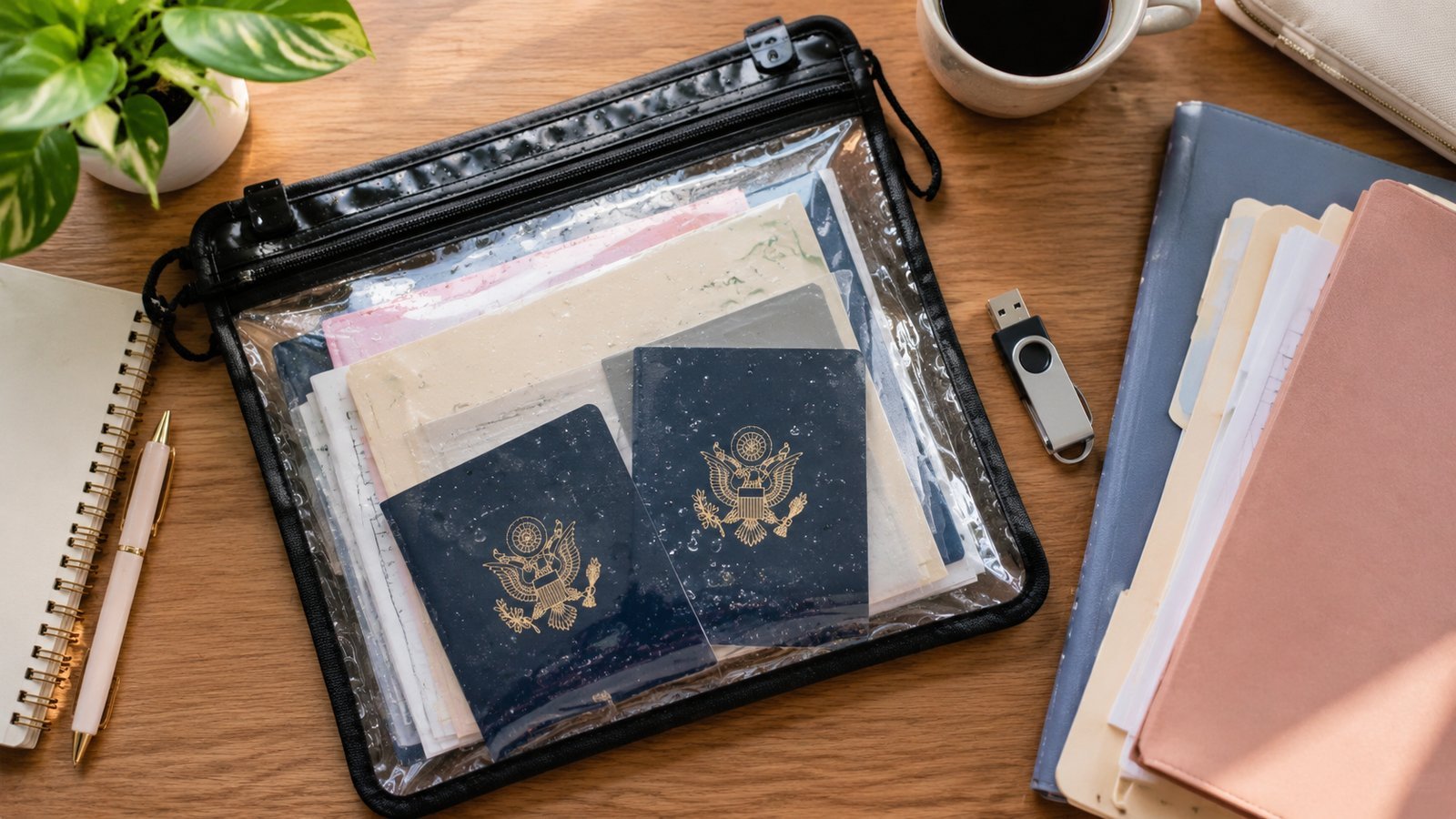
Begin with the documents that prove who each person in your household is. The Ready.gov list includes photo ID to prove the identity of household members, birth certificates to maintain or re-establish contact with family members, a Social Security card to apply for FEMA disaster assistance, military service records, and pet ID tags. Add passports, driver’s licenses, marriage and divorce papers, adoption or custody records, and any court orders that affect your family.
Take clear photos or scans of both sides of each item. Store the digital copies in a secure place, and keep certified paper copies of vital records in a fireproof, waterproof container. A relative who lives out of town may be able to hold a duplicate set, so ask whether they can hold a duplicate set of the most important papers, which protects you from a disaster that strikes your whole area. Do not forget records for the animals in your care, including vaccination certificates and microchip numbers.
Children deserve their own folder, with school records, immunization records and any health or education plans. For older relatives you help care for, keep a copy of their power of attorney, advance directives and a list of their doctors.
Financial, Legal and Insurance Records
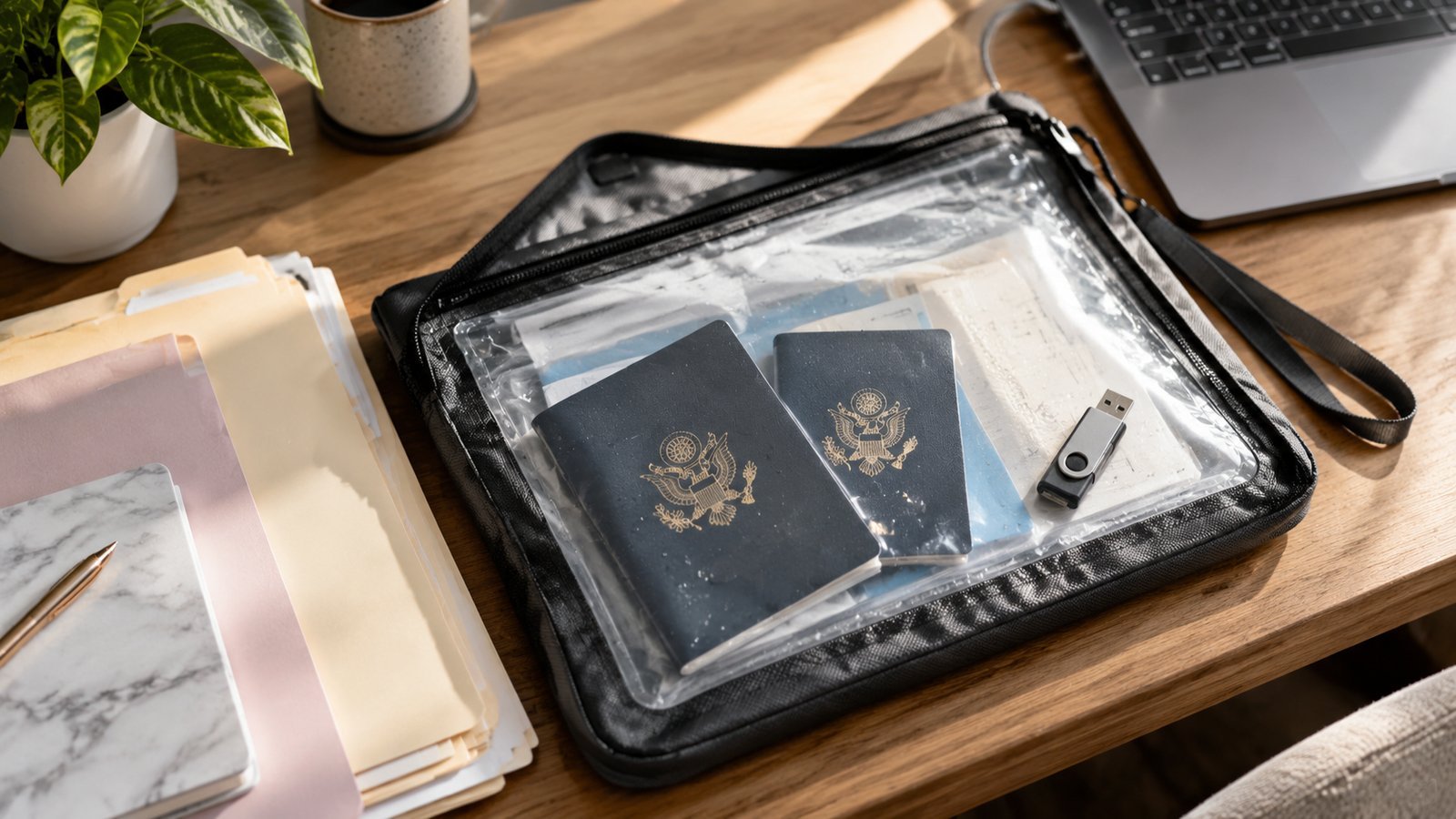
Next come the papers that prove what you own and owe. Housing payment records, insurance policies, sources of income and tax statements are on the Ready.gov list, and the list goes on. In practice, this means a lease or deed and mortgage statements, bank and credit card account numbers and contact information, recent pay stubs or income records, retirement and investment account details, vehicle titles and registrations, and your will and other legal documents. Make a list of account numbers and customer service phone numbers, but avoid storing passwords in the same place.
Insurance gets special attention. Insurance for your home or business property is the best way to make sure you will have the resources to repair, rebuild or replace what is damaged, says Ready.gov. Keep your policies, the declarations pages and your agent’s contact information. Review each policy for the amount and types of coverage, because not all policies are the same. Remember that homeowner’s insurance typically does not cover flooding, and that a separate flood policy takes time to start, so check coverage well before storm season. Document your belongings with photos or video, room by room, and store the files with your other records.
Struggling to pay a loan? Ready.gov advises contacting your bank right away and discussing options before skipping any payments or taking other actions that go against the terms of your loans.
Medical Information and Key Contacts
Medical records are easy to forget until you need them. The agency lists physician information in case medical care is needed, copies of health insurance information so existing care continues uninterrupted, immunization records and a list of medications. Add allergies, medical conditions, the dosage and schedule for each prescription, the make and model of any medical devices, and the name and number of your pharmacy. If a family member has special needs, include a short summary that a stranger could follow.
Keep a contact list that includes banks, insurance agents, health professionals, service providers and your place of worship, as Ready.gov suggests. Add family, friends, neighbors, your employer, your child’s school and your out-of-town contact. Phones lose power and contacts get lost, so write the list on paper too. Our guide to medical supplies can help you build the physical side of this kit.
For privacy, share medical details only with people you trust, and keep the paper copies in a sealed envelope. In a go-bag, a one-page summary of each person’s medications and conditions is usually more useful than a stack of full records.
Where and How to Store Everything
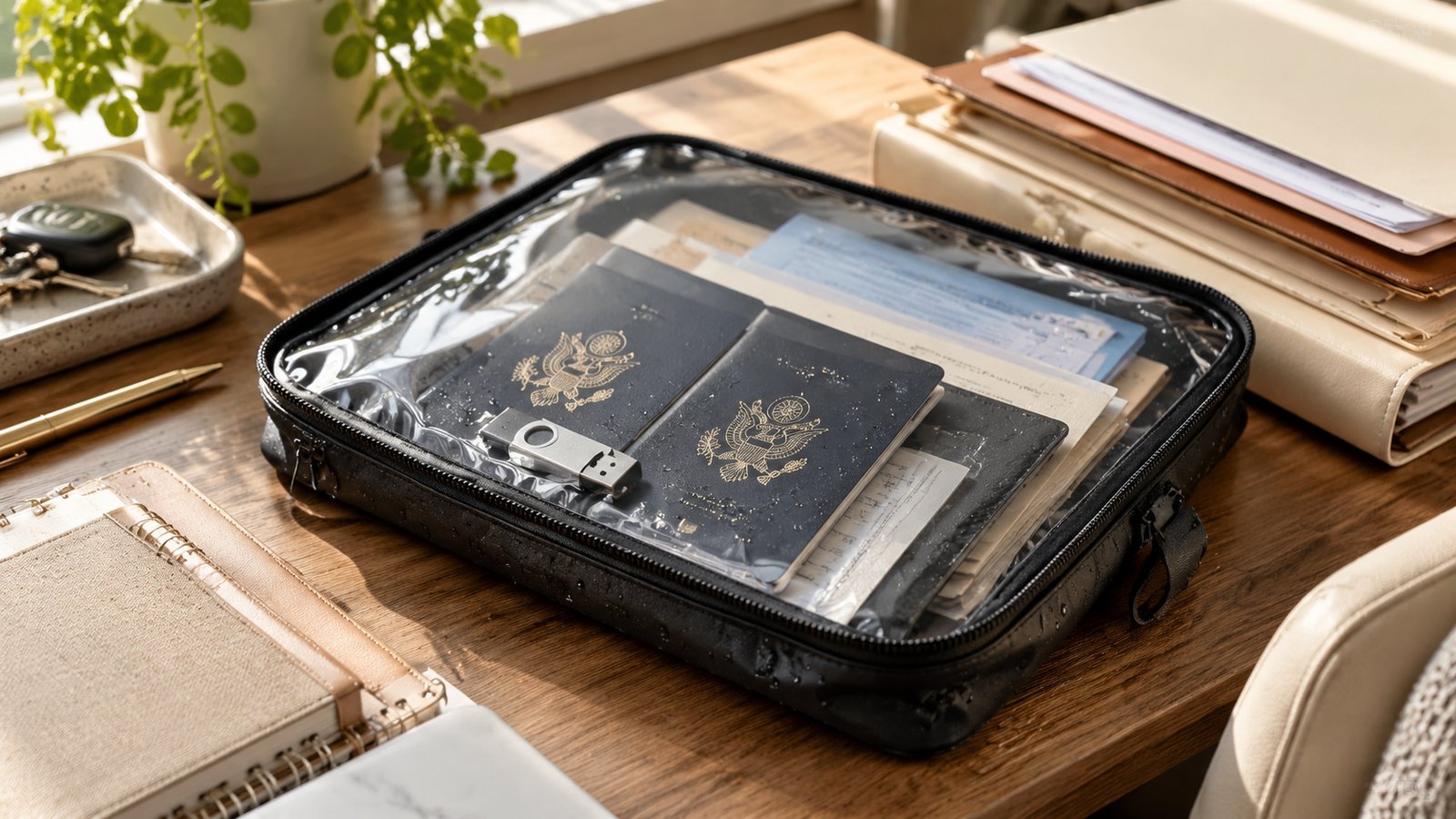
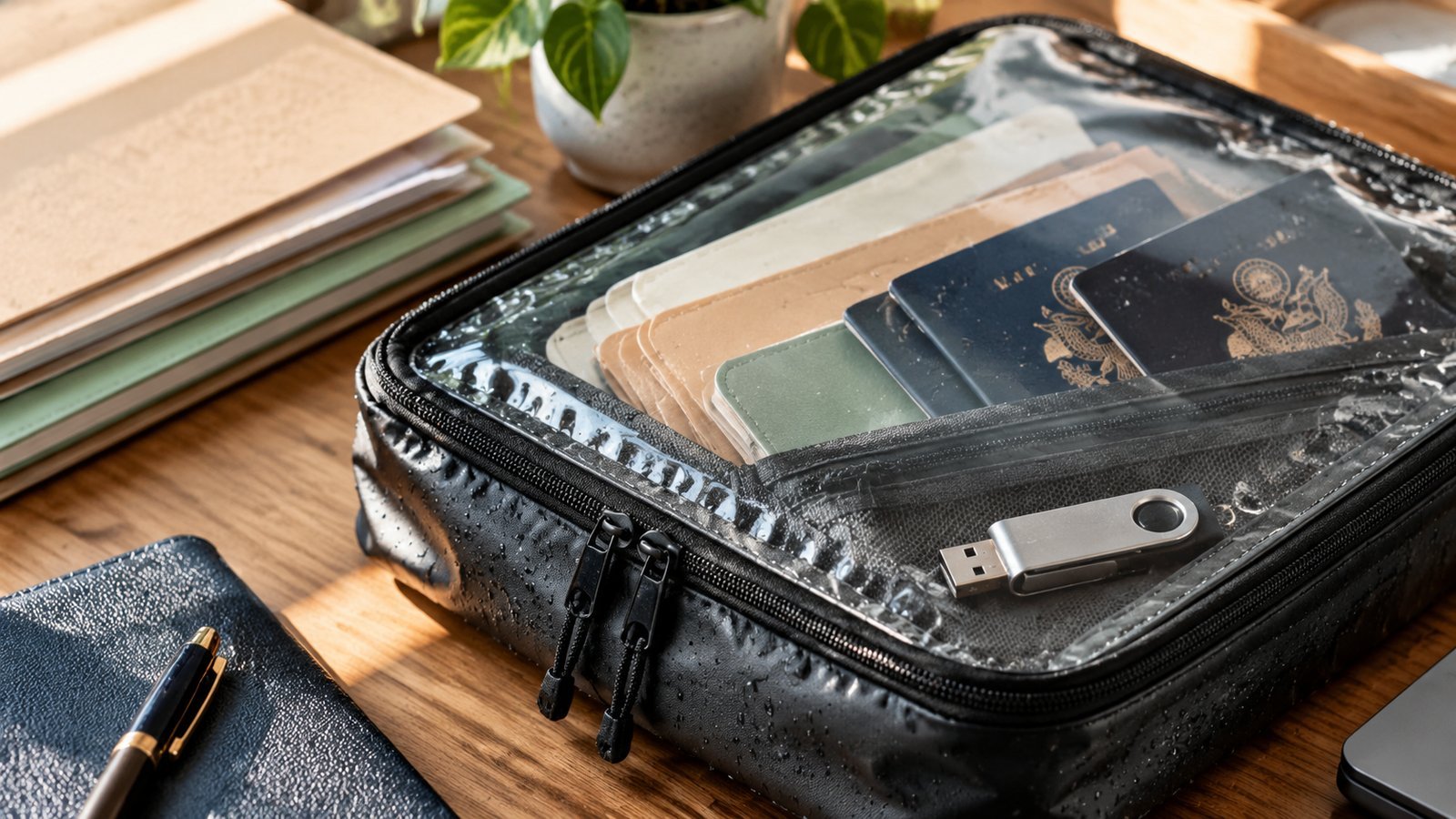
Important documents belong in a safety deposit box, on an external drive or in the cloud so they are easy to reach during a disaster, per Ready.gov. In practice, use a layered approach. Keep a small set of copies in your go-bag in a waterproof pouch. Keep originals in a fireproof, waterproof box at home, or in a safe deposit box, remembering that banks close during some emergencies. Keep an encrypted or password-protected digital set in a cloud account and on a USB drive stored away from your home.
- Gather: pull the documents together, one category at a time.
- Copy: scan or photograph each item, front and back, and name the files clearly.
- Protect: use strong passwords and two-step sign-in on any cloud account.
- Distribute: put a set in the go-bag and give a trusted relative an encrypted copy.
- Review: set a yearly reminder to update everything, and replace expired items.
Avoid emailing sensitive scans to yourself in unprotected messages. A password manager with a secure notes feature is a good home for account numbers, and your cloud provider’s sharing settings should be checked so nothing is public. For a fast reference, a one-page index listing what you have and where it is can help someone else find things for you if you are unable to.
Cash, Benefits and Staying Safe From Scams
Build an emergency savings account, Ready.gov suggests, and keep a small amount of cash at home in a safe place. Small bills matter, because ATMs and credit cards may not work during a disaster when you need to buy supplies, fuel or food. How much to keep depends on your household. Even a few days’ worth of essentials gives you flexibility.
Think about how you receive money, too. A disaster can disrupt mail for days or weeks. Anyone who depends on Social Security or other regular federal benefits can protect themselves before disaster strikes by switching to electronic payments, which also removes the risk of stolen checks. Options include direct deposit to a checking or savings account and the Direct Express prepaid debit card. Online and mobile banking can also help when branches are closed.
Scammers follow disasters. Be cautious about sharing your bank account, Social Security or credit card numbers, and never click links in texts or emails from people you do not know. The government will not call or text you about owing money, and it will not contact you through social media about owing money or receiving payments. Received a message from someone claiming to be a government agent? Report it to the Federal Trade Commission at ftc.gov/complaint, and do not respond to the message. Also see the Emergency Financial First Aid Kit, a joint publication of Operation HOPE and FEMA, for a fuller worksheet that walks through each step.

A One-Weekend Plan to Finish the Job
Do not try to do everything in one sitting. Spread it across a weekend. On Saturday morning, gather identification and vital records and scan them. After lunch, collect insurance policies, financial statements and a list of accounts. On Sunday, pull together medical information, contacts and the list of medications, then set up your cloud folder and secure it. Finish by assembling the go-bag set and putting a reminder in your calendar for six months from now, so that the project stays current instead of becoming one more forgotten folder.
Take a short break midway to check on the people you share a home with. Ask them what they would grab first, and listen to the answer; it might reveal something you forgot. Once the system exists, maintenance is easy. Whenever you renew a policy, change banks or move, update the folder the same week.
What should you leave out? Think twice before carrying documents you rarely need and would be hard to replace if lost, such as an original Social Security card or a birth certificate, unless you are evacuating and expect to need them. Carry copies in the go-bag instead, and take originals only when leaving the area for a long time. The same rule applies to wallets: a thick folder of papers in a pocket is a bigger identity theft risk than a tidy set locked in a box.
Check on special cases as well. People who have recently moved should confirm their address on policies and accounts. Those who rent need a copy of the lease and renters insurance policy. Business owners and freelancers should add business licenses, client contracts and key account logins to a separate folder. Anyone with a vehicle should keep registration and insurance cards in the glove box, since cars are sometimes the thing you leave in.
Finally, tell someone where everything is. A document system that only you understand does not help your family if you are hurt or away. Share the index and the location of the box or drive with a trusted person, and keep sensitive passwords in a method that another adult could reach in an emergency, such as a password manager with a designated emergency contact feature.
Frequently Asked Questions
Should I keep original documents or copies in my go-bag?
Copies, in a waterproof pouch. Keep originals in a fireproof, waterproof box or a safe deposit box, and keep digital copies backed up.
Is it safe to store documents in the cloud?
It can be, if you use a strong password, two-step sign-in and a reputable provider, and you review the sharing settings. Ready.gov suggests password-protected digital copies.
How much cash should I keep at home?
There is no single number. Ready.gov advises keeping a small amount in small bills in a safe place, enough for a few days of essentials.
What if I lose my documents in a disaster?
Contact the issuing agency, such as your state vital records office or the Social Security Administration, and your insurer and bank. Having digital copies makes the process faster.
How often should I update my records?
At least once a year, and whenever your household, insurance, accounts or medications change.